No typing business names
A scan opens the destination directly, reducing the chance that a customer lands on the wrong listing or forgets before finding it.
Scan at the right moment
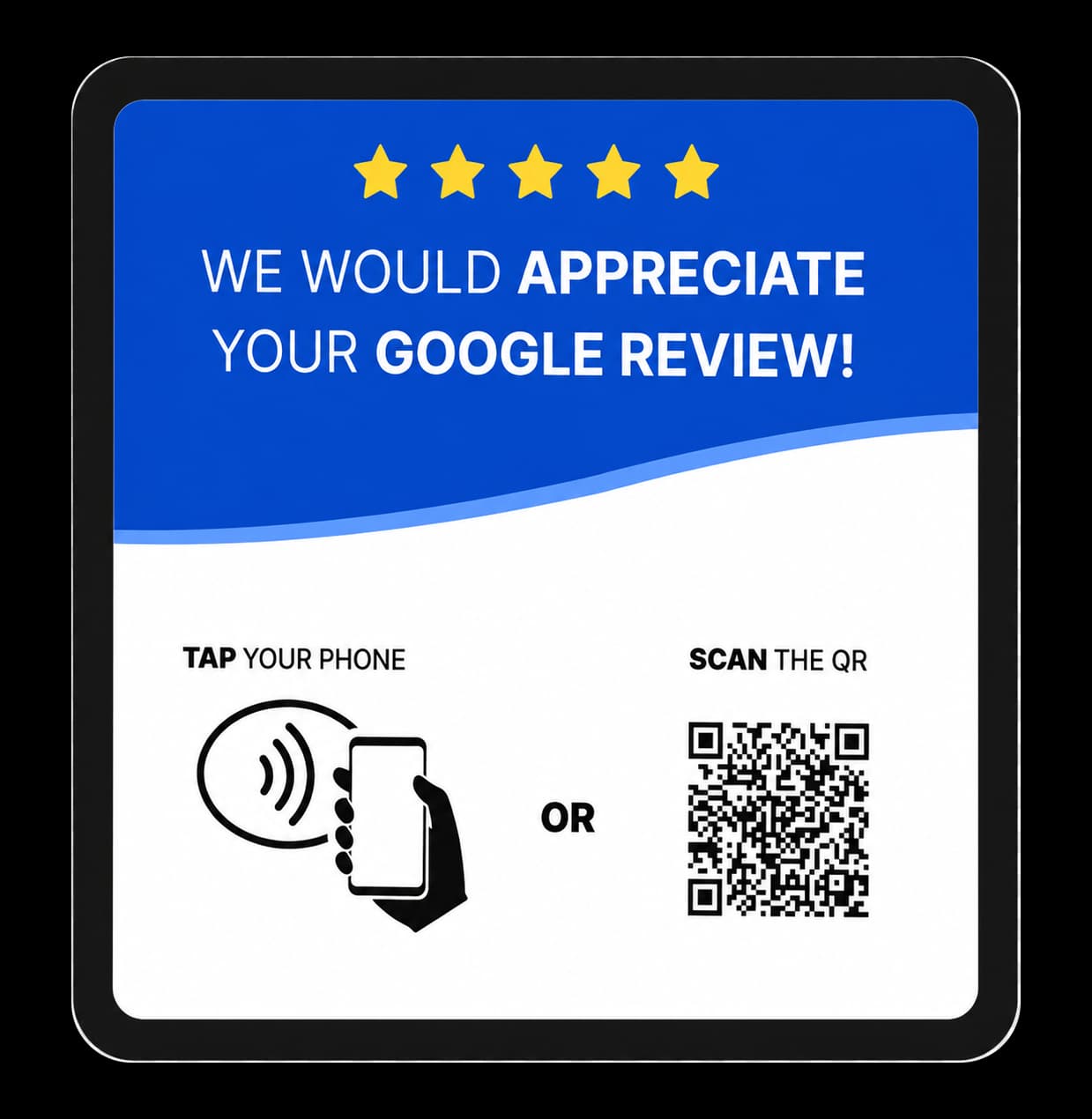
A Google review QR code card puts your review link where customers can act on it—at the counter, after an appointment, or as they finish a meal.
Works with a phone camera · NFC included · Ships across the Philippines
Why businesses use a review card
The goal is simple: make the next step clear while keeping every review genuine and voluntary.
A scan opens the destination directly, reducing the chance that a customer lands on the wrong listing or forgets before finding it.
The card gives customers a physical prompt and a clear scan action without making the request part of a long script.
Customers who prefer tapping can use the NFC point, while everyone else has the QR code as a familiar fallback.
How it works
A simple physical prompt can fit into the way your business already serves people.
Put the card at checkout, reception, a service desk, or another point where a customer has finished their interaction.
The customer scans with their phone camera and opens the saved Google review destination.
The customer can decide whether to leave a review and write it in their own words—no incentive or review filtering required.
Goreview helps customers reach a business's Google review page. It does not filter feedback, offer incentives for reviews, or guarantee a review count, rating, or search ranking. Reviews should reflect genuine customer experiences.
A simpler invitation
Start with the Google review standee, then add adhesive tap cards for other surfaces or platforms.
Google standee ₱699 · Tap cards ₱299 each · Minimum three cards